

SILVER SHADOW
A modern multi-band Windows control environment for Icom radios. IC-7300 and IC-7300MK2 are physically verified; IC-7600 core control is physically verified; IC-7610 core control and MAIN scope are physically field-verified, with dual-scope support still pending.
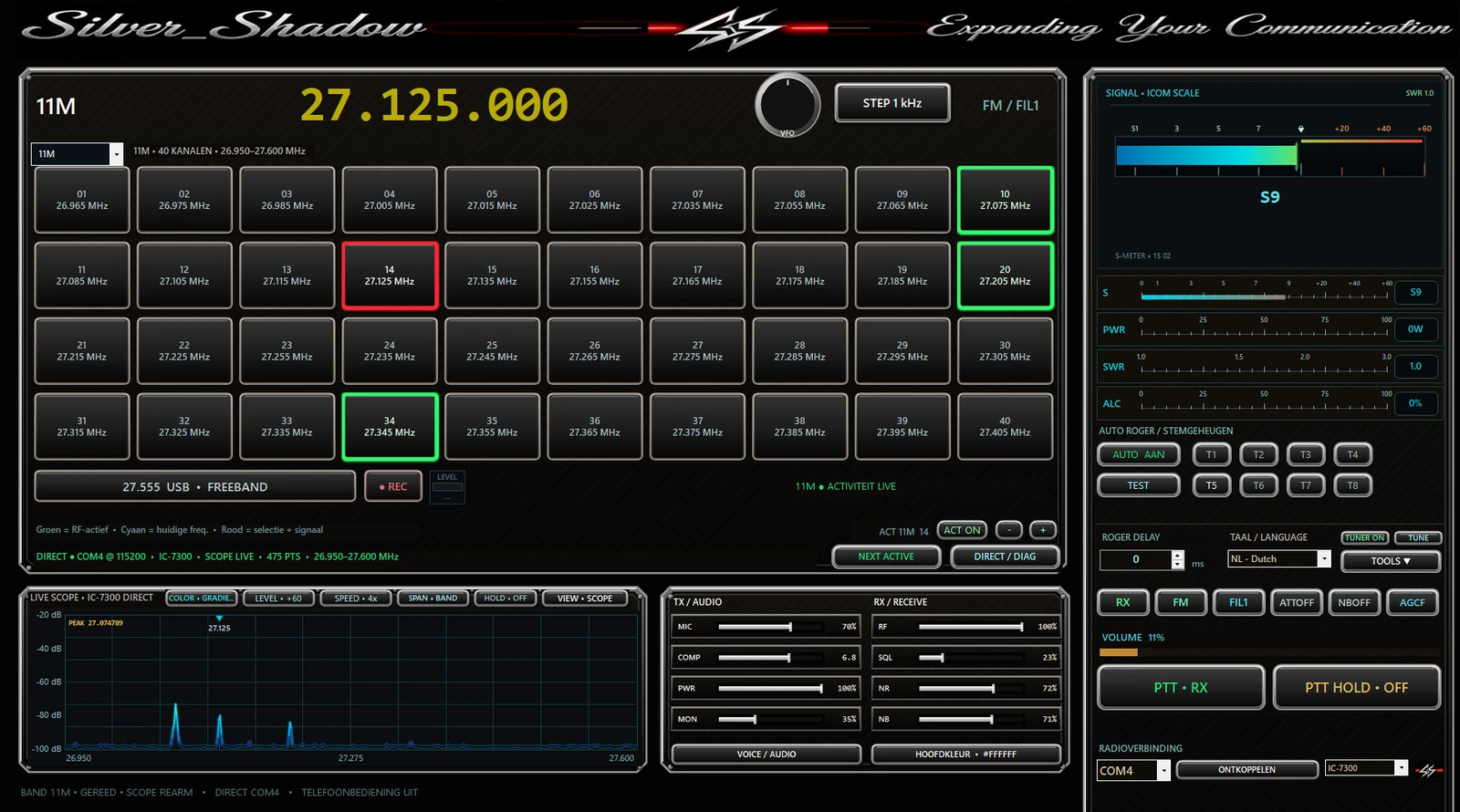
Silver Shadow v0.29.82
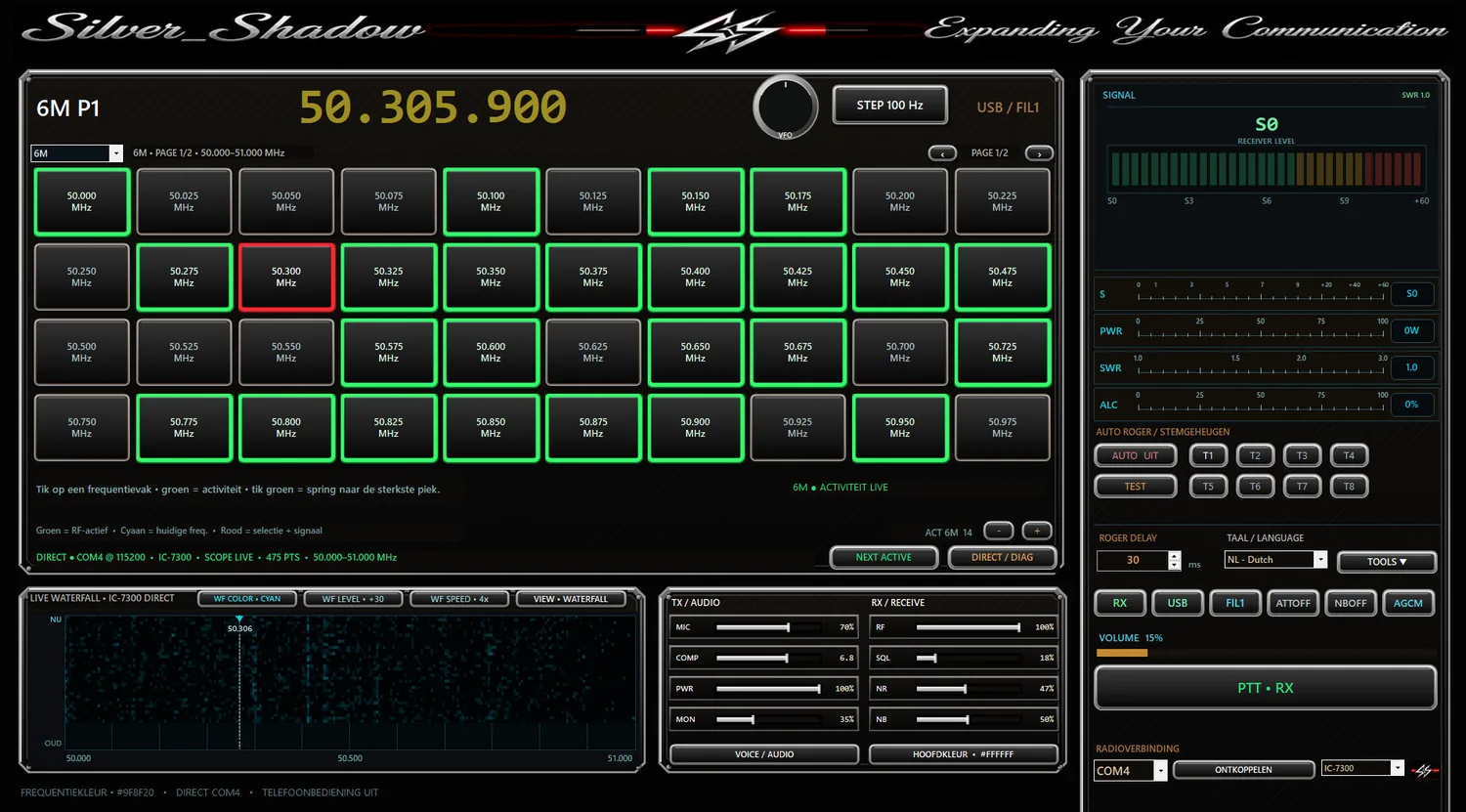
Full-window scaling for smaller and larger Windows displays, with compact meters and better use of screen width.
Everything under control from one screen
v0.29.82 introduces full-window responsive scaling, improved width utilisation and compact meters on smaller Windows displays. The v0.29.81 Smart Scan, MK2 Display, grouped Tools, QSO Recorder and external-app features remain available.
Multi-band radio control
Frequency, mode, band and preset selection using the active Icom CI-V profile.
Software PTT
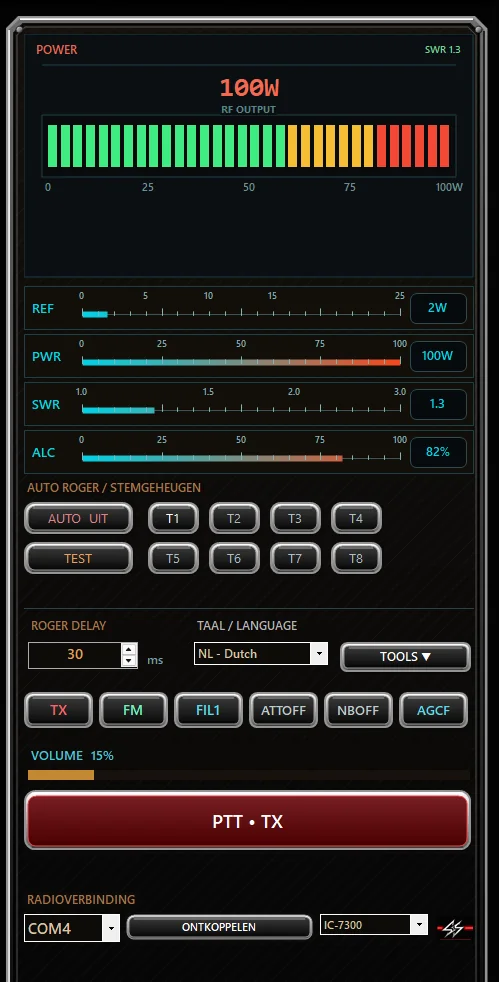
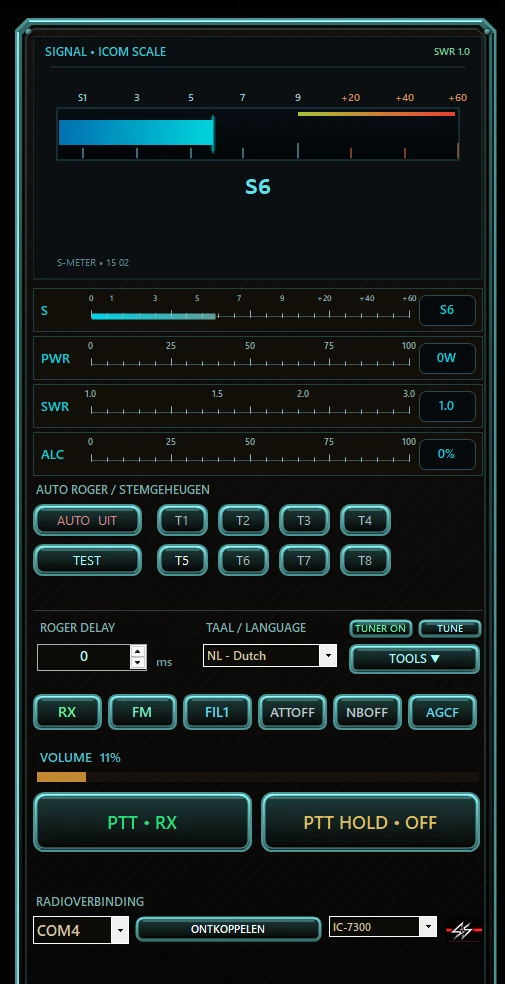
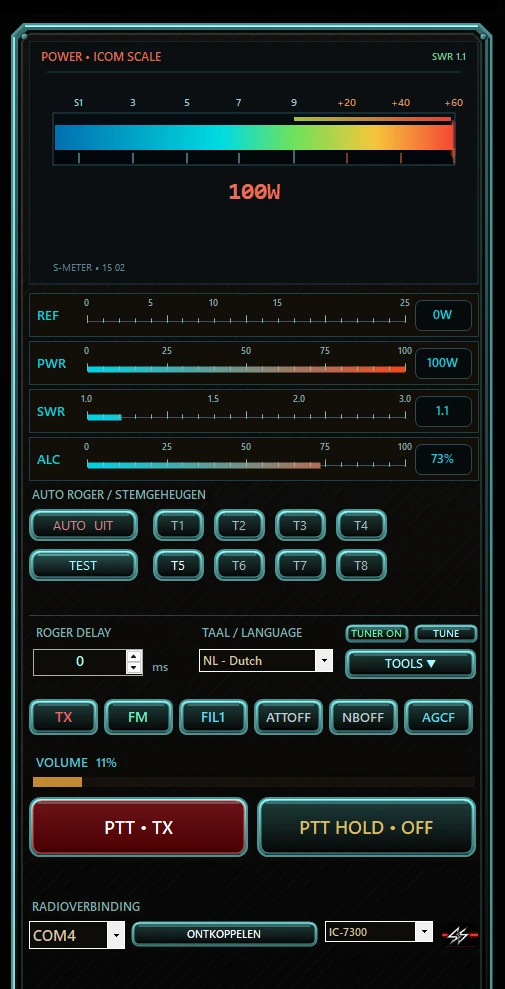
Large momentary PTT: press and hold for TX, release for RX, with real radio TX/RX feedback.
VFO tuning
Tune by clicking, dragging or using the mouse wheel, with steps from 1 Hz to 10 kHz.
Selectable meter styles
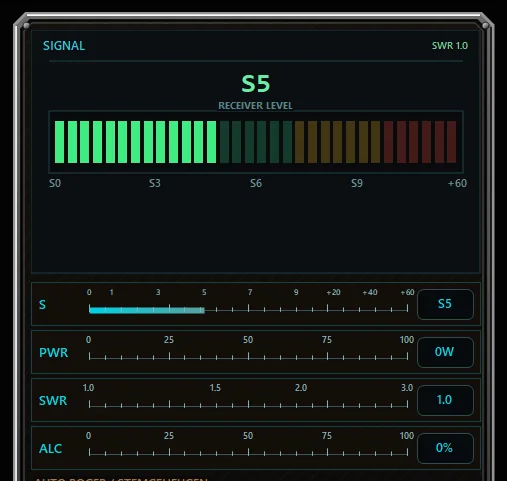
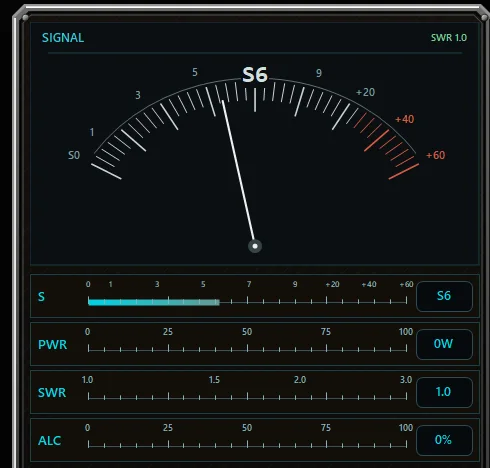
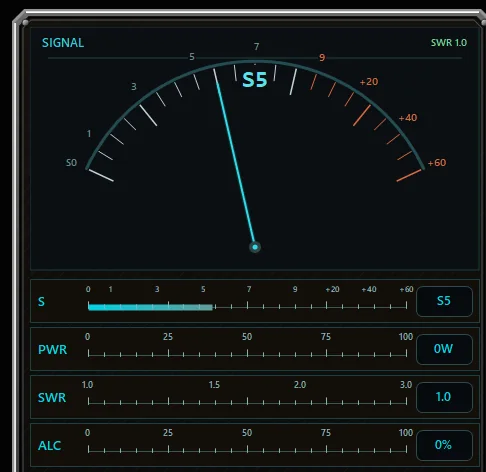
Choose SS DEPTH 3D, SS NEXUS, digital, bar or analogue meter styles; TX data can show PWR, SWR and ALC.
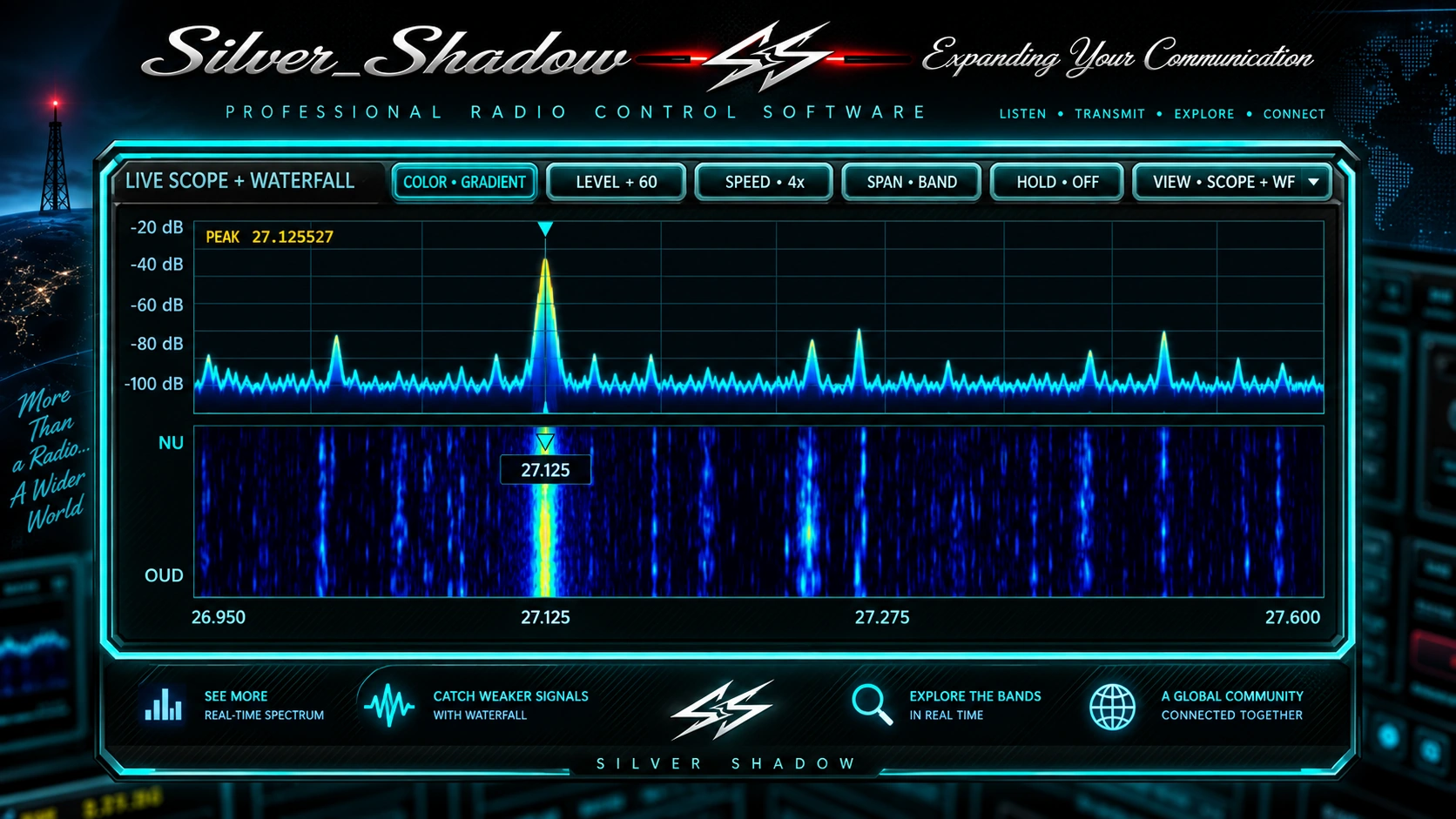
Scope + Waterfall
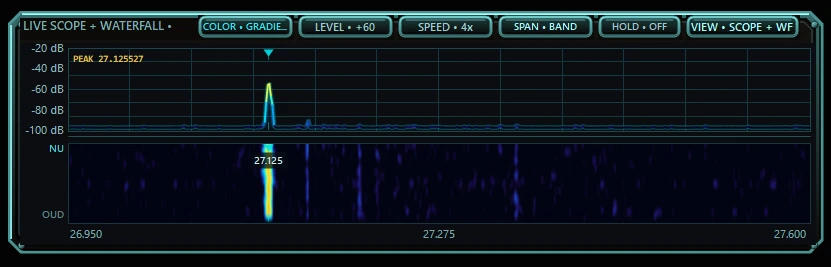
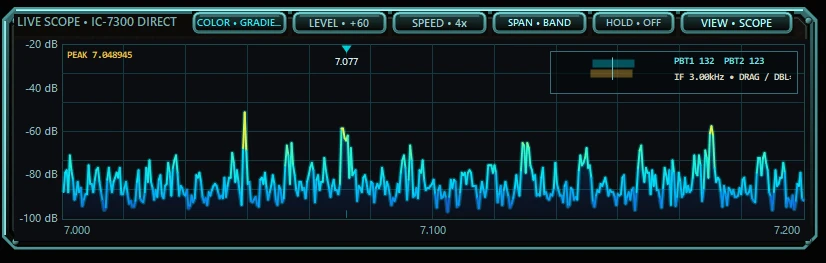
Brighter live spectrum, higher visual gain and the approved CRISP waterfall, with selectable view, level, speed and span where direct scope is supported.
QSO Recorder + Auto Level
Record RX audio to WAV with live monitoring, metadata and automatic level correction when a recording is too quiet, with clipping protection.
External Apps Hub
Connect Hamlib NET rigctl-compatible software such as WSJT-X, JTDX, JS8Call, fldigi and CQRLOG while Silver Shadow keeps ownership of the radio connection.
Recommended Radio Setup
Read, compare, back up and verify recommended radio settings. Automatic writing is currently enabled for the physically verified IC-7300 workflow; other profiles remain check-only until that exact setup path is confirmed on real hardware.
Live Audio + Audio Scope
A clean live Audio activity bar sits beside REC; click it to open the real PCM spectrum analyzer and waveform view.
Silver Shadow Showcase
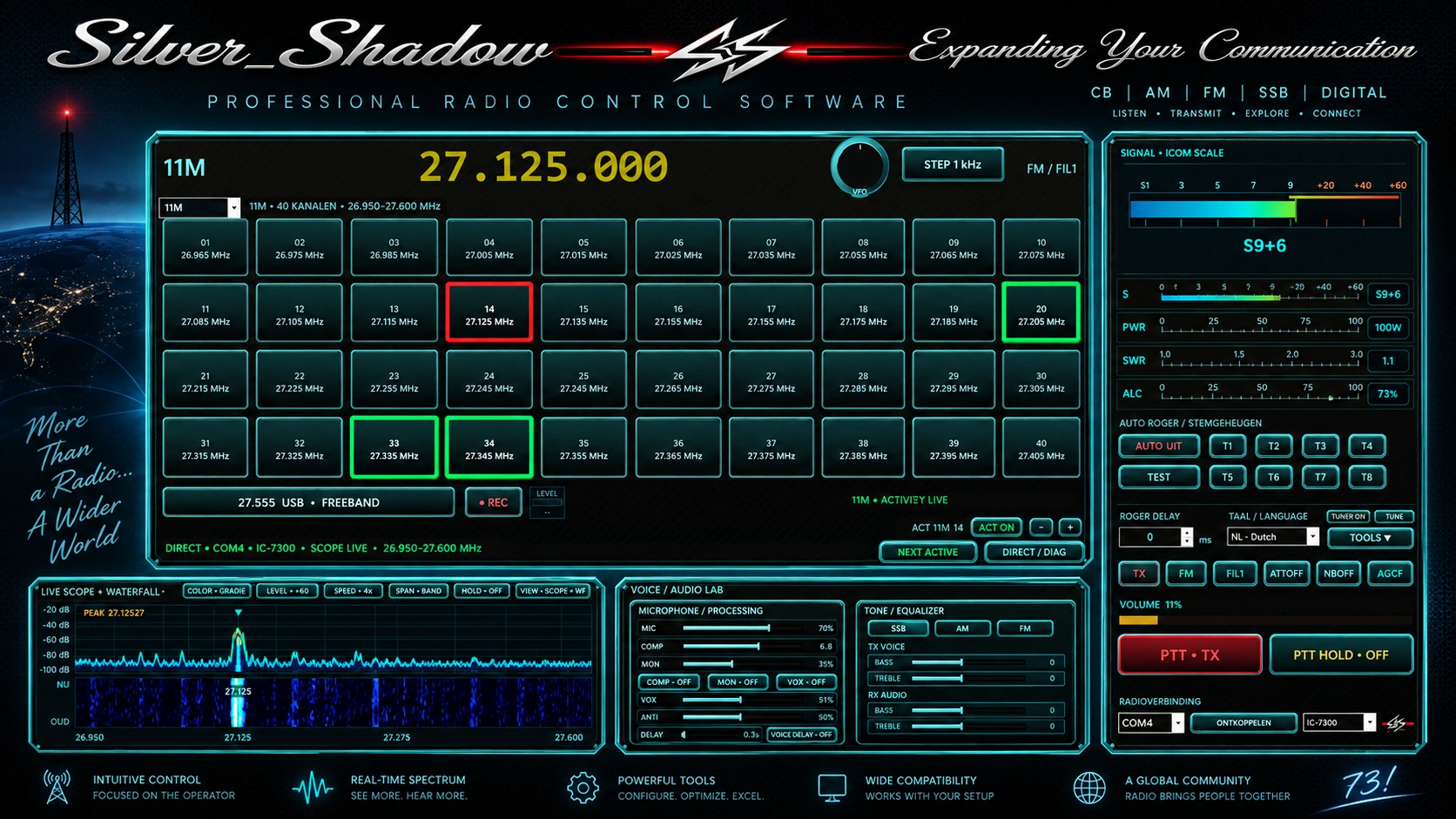
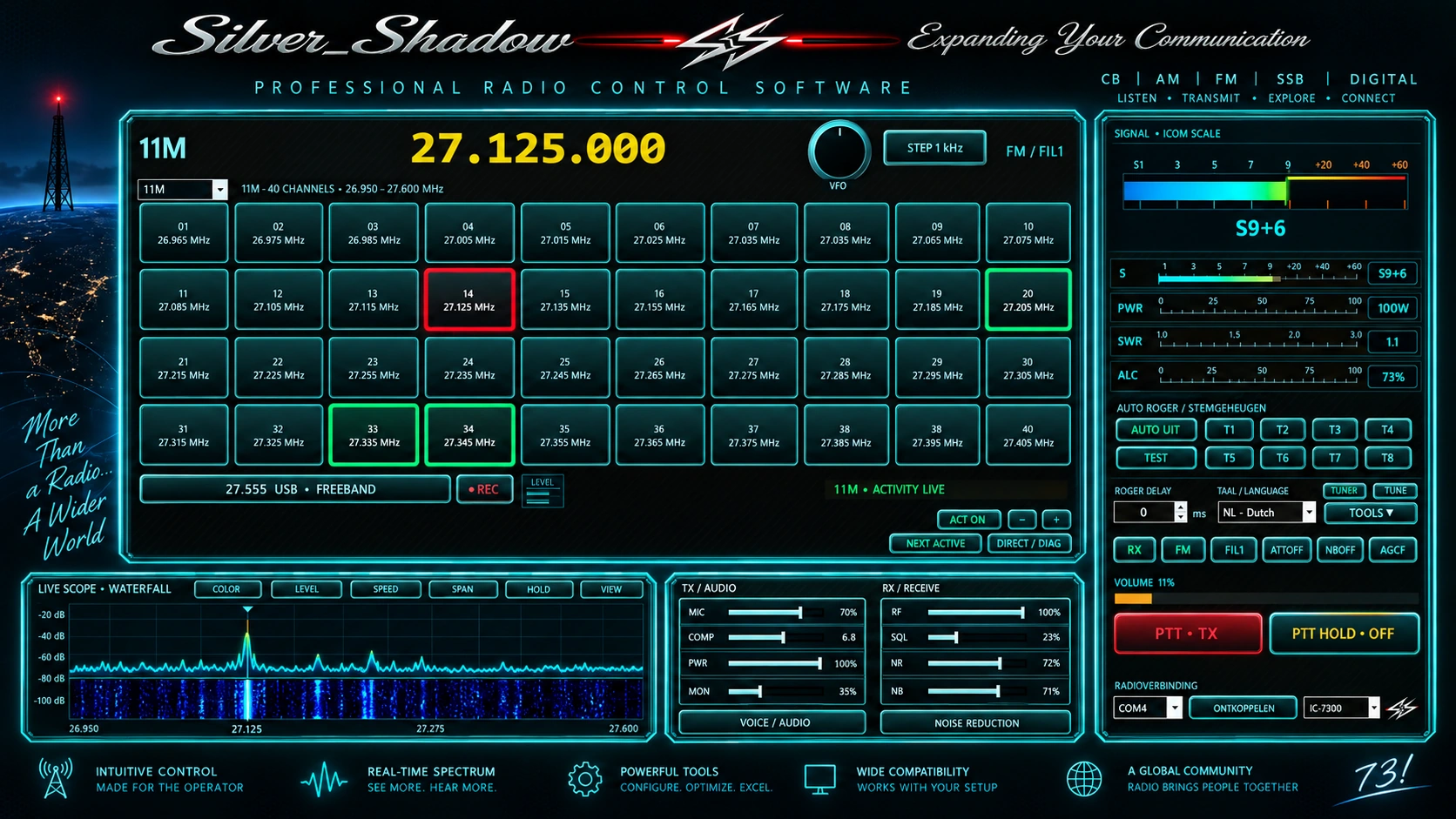
A polished presentation of the Silver Shadow look and operating concept. The real interface screenshots remain available further down this page.
What's new in v0.29.82
v0.29.82 adapts the whole main screen to available Windows width and height, keeps vital meters visible in compact mode and improves VFO mouse-wheel routing.
Try the complete Silver Shadow for 24 hours
Silver Shadow in action
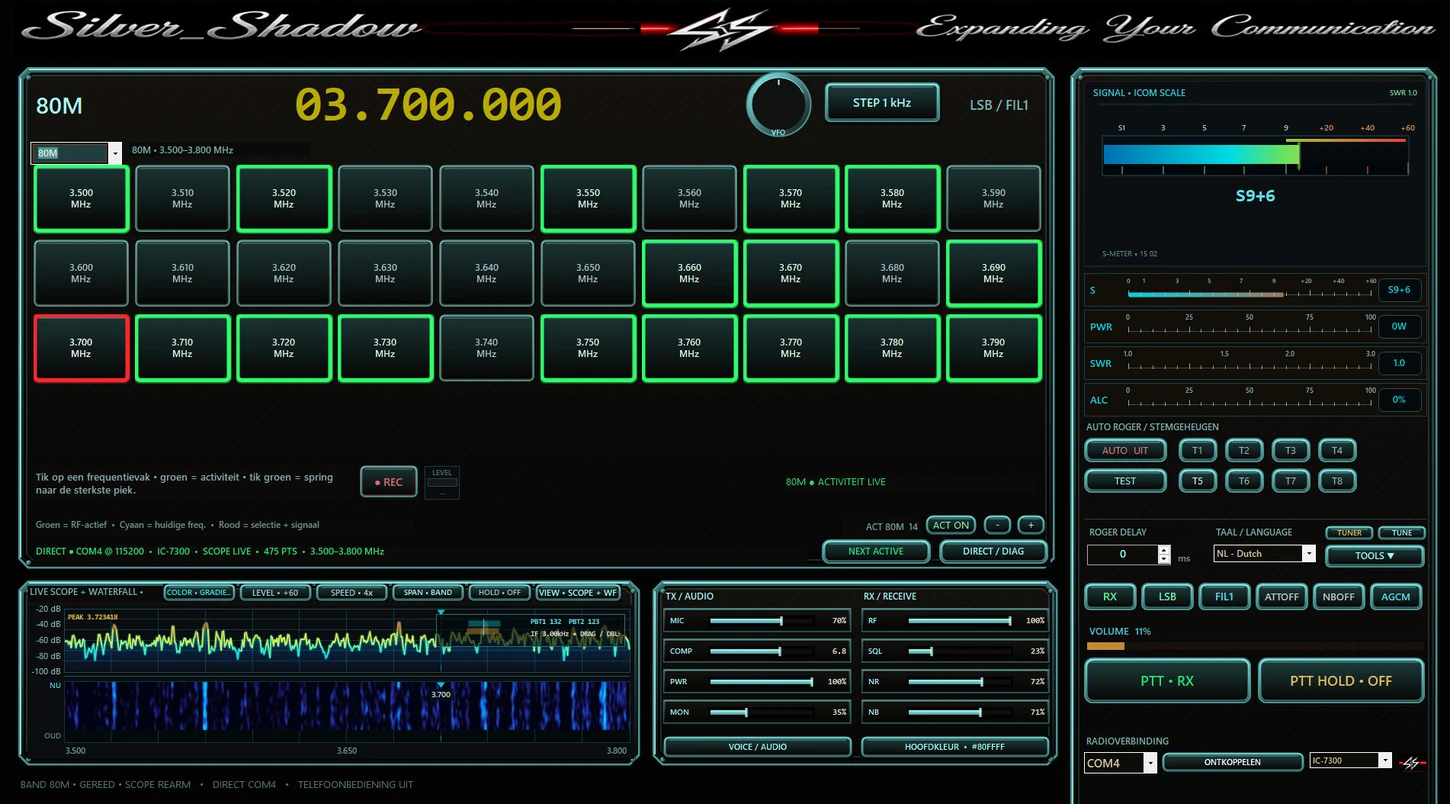
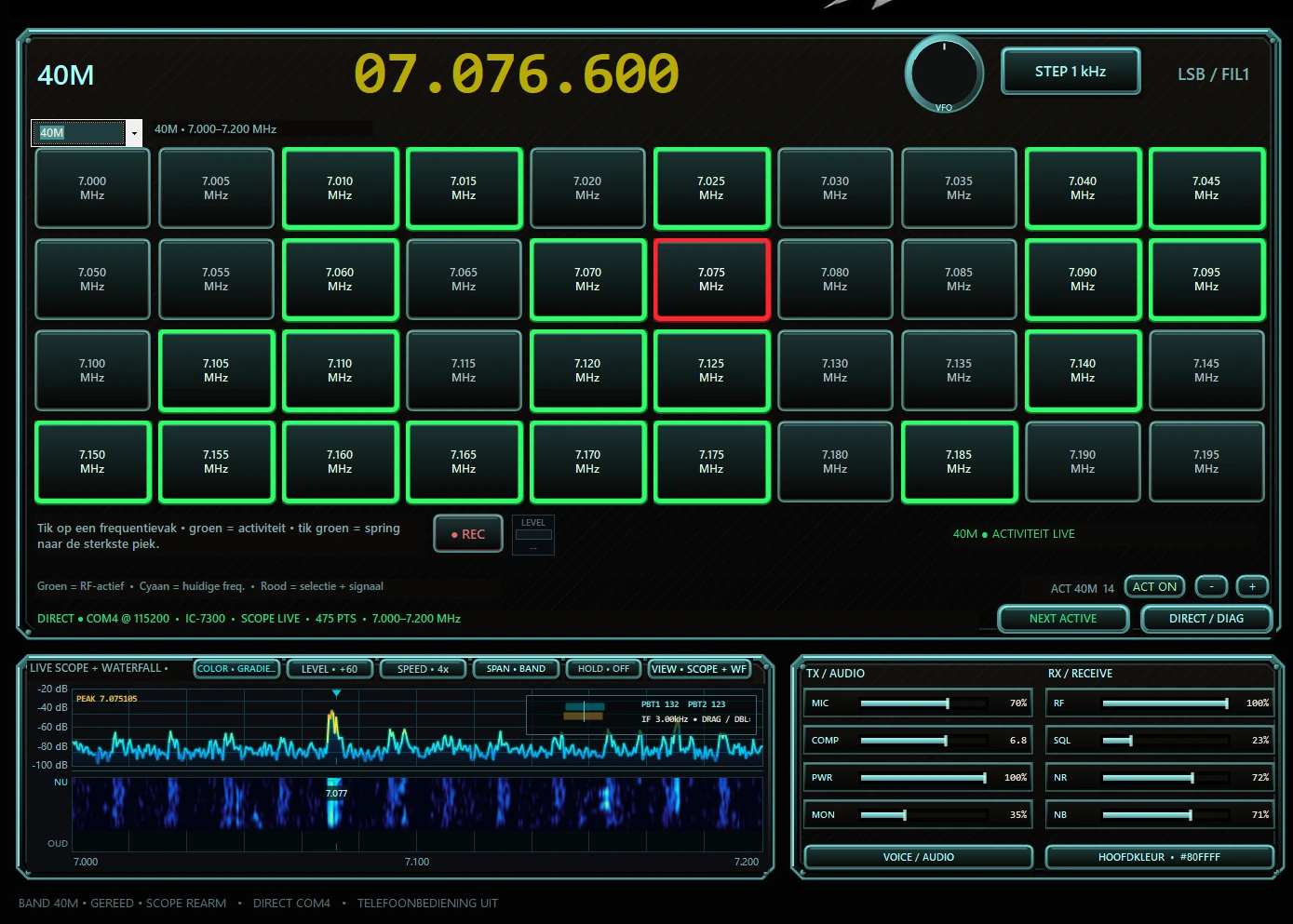
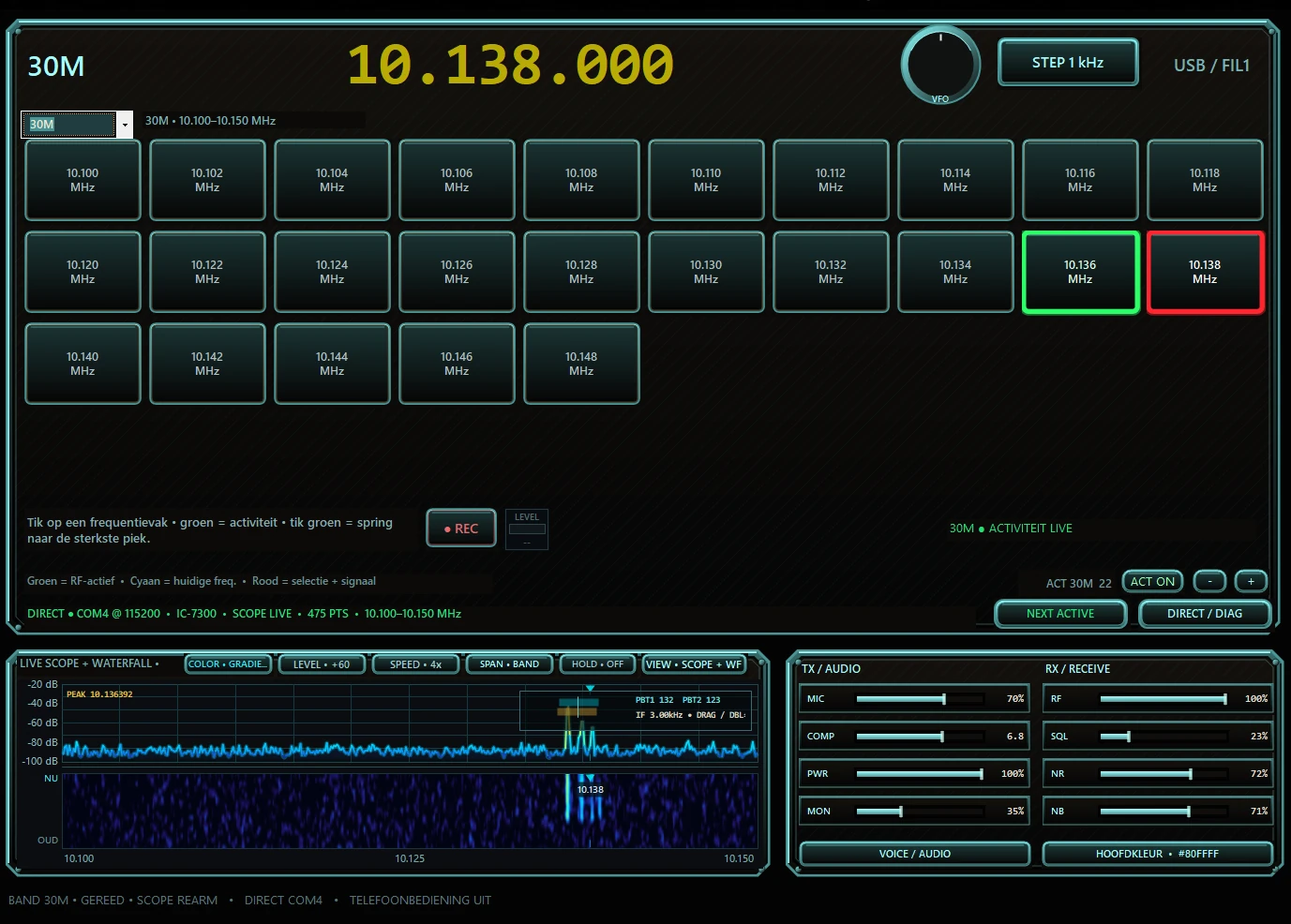
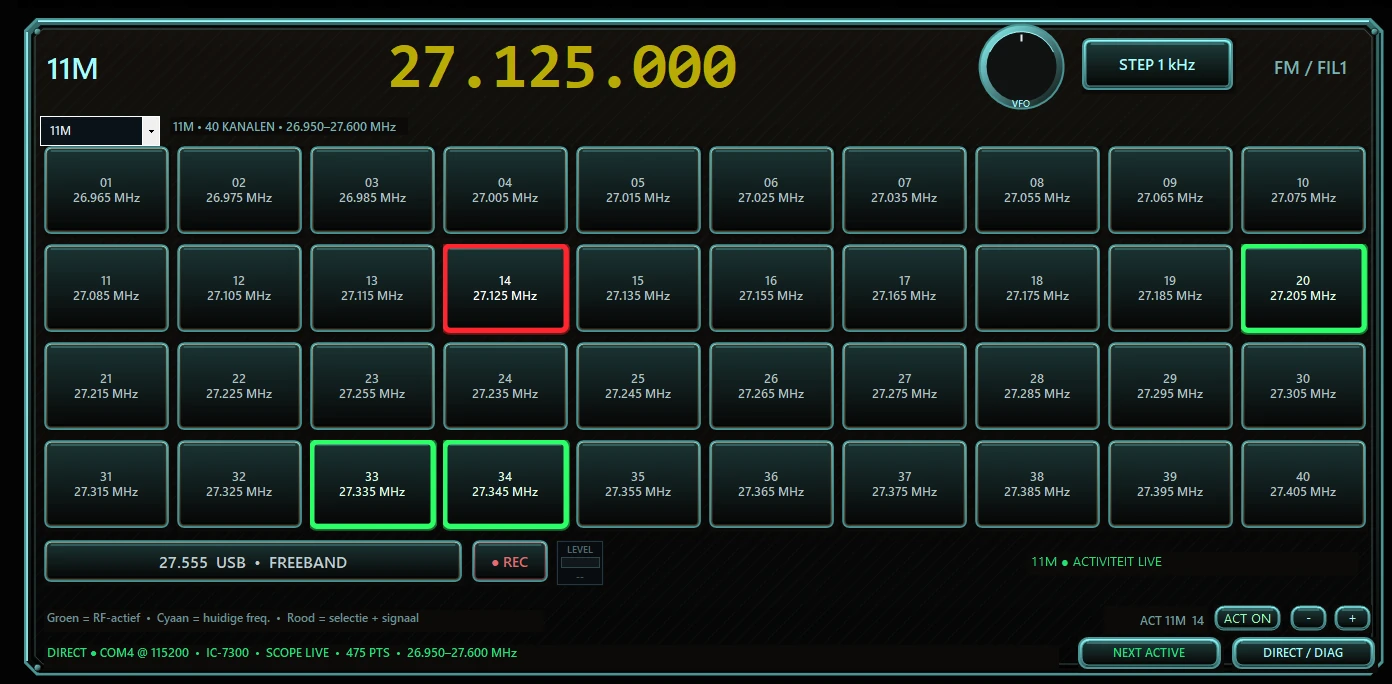
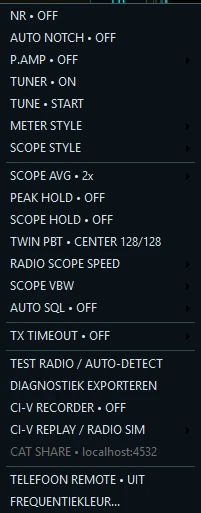
Real Silver Shadow screenshots. The gallery illustrates the multi-band interface; exact controls and labels can evolve between releases.
Icom radio compatibility
v0.29.82 keeps the Multi-Icom profile layer and records verification scope per model. IC-7300 and IC-7300MK2 are physically verified. IC-7600 core control is physically verified without PC scope/waterfall. IC-7610 core control and MAIN scope are physically field-verified; the new dual-scope path remains pending hardware confirmation.
Icom IC-7300 • IC-7300MK2
Both profiles are verified on real hardware. Direct CI-V control, meters, scope/waterfall, PTT, VFO, filters, tuner, QSO Recorder and the current Silver Shadow workflow are included where mapped.
Icom IC-7600
Core control is verified on real hardware: frequency, mode, PTT/RX, meters, RF/SQL, NB, filters/PBT, audio controls and tuner status. PC scope/waterfall is not available on this model.
Icom IC-7610
Core MAIN/SUB control and MAIN scope are physically field-verified. The new dual-scope MAIN+SUB path is included as an advanced feature but still awaits a fresh hardware confirmation.
IC-705 • IC-7100 • IC-7700 • IC-7760 • IC-7800 • IC-7850/7851 • IC-9700
Built-in model profiles are included for Early Access testing. Scope/waterfall, T1-T8 and individual controls vary by radio and are not all physically verified.
Icom control software guides
Model-specific pages explain what Silver Shadow supports, what has been physically verified and what remains Early Access.
Icom IC-7300
Physically verified Windows CI-V control, direct scope/waterfall, meters, VFO, PTT, filters, tuner and QSO Recorder.
Read guide →Icom IC-7300MK2
Physically verified IC-7300MK2 profile with the current Silver Shadow control workflow and direct scope support.
Read guide →Icom IC-7600
Physically verified core radio control. Frequency, mode, PTT, meters, RF/SQL, filters/PBT and tuner status are supported; PC scope/waterfall is not available on this model.
Read guide →Icom IC-7610
Physically field-verified core MAIN/SUB control and MAIN scope; the new dual-scope MAIN+SUB path remains pending hardware confirmation.
Read guide →Icom CI-V on Windows
How Silver Shadow uses model profiles, Windows COM ports and Icom CI-V for direct radio control.
Read guide →QSO Recorder
Record station audio to WAV with live monitoring, metadata, recordings browser and Auto Level with clipping protection.
Read guide →Scope & Waterfall
Direct Icom spectrum scope, CRISP waterfall, span control, peak hold and selectable presentation on supported profiles.
Read guide →External Apps Hub
Use Hamlib NET rigctl-compatible programs through Silver Shadow while Silver Shadow keeps control of the physical radio connection.
Read guide →Recommended Radio Setup
Read, compare, back up and verify selected Icom settings before Silver Shadow applies confirmed changes on supported verified workflows.
Read guide →Founders package - clearly defined
Quick answers before you buy
The important practical details in one place.
Can I use one key on two PCs?
No. One key activates one computer. Buy an additional license for an additional computer.
Can I replace my computer?
Yes. Deactivate Silver Shadow on the old computer first, then activate the same license on your replacement computer.
Which Icom radios are included?
IC-7300 and IC-7300MK2 are physically verified. IC-7600 core control is physically verified (no PC scope/waterfall). IC-7610 core MAIN/SUB control and MAIN scope are physically field-verified, with dual-scope pending. Early Access profiles are also included for IC-705, IC-7100, IC-7700, IC-7760, IC-7800, IC-7850/7851 and IC-9700.
Do I need Win4Icom?
No. Silver Shadow communicates directly with the selected Icom profile using CI-V.
How does software PTT work?
The large PTT is momentary: hold the mouse button for TX and release it for RX. Test non-7300 profiles carefully because they are Early Access.
Can I customise the interface?
Yes. The main skin/accent colour and the large frequency colour can be adjusted independently.
Free ICOM voice & roger sounds
Preview and download individual ICOM-ready voice, roger and station sounds. The files are prepared in the working ICOM WAV format and can be renamed for the Voice TX memory slot you want to use.
Free ICOM downloadsFollow Silver Shadow & get support
Demos, short updates and a dedicated Facebook support community. These are normal links only; no social-media tracking scripts are embedded on this page.
Buy Silver Shadow Founders
Choose how many computers you want to activate. A separate license key is issued for each computer.
The PayPal button is displayed here automatically. Tick both confirmations below before starting payment.
License delivery is automatic after successful PayPal payment. Keep your license key(s) safe.